
To publish a job post on the textile job portal, your company must be registered. You can register multiple companies on the platform.
Follow the below steps to register the new company.
- Enter your username and password to log into your account
- Go to the dashboard.
- In the left side menu, click on the “company” tab.
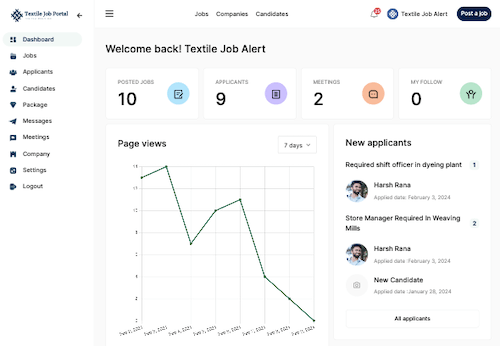
- Here, you can see all the registered companies. In your case currently, there are no registered companies.
- Click on the “Add New Company” button.
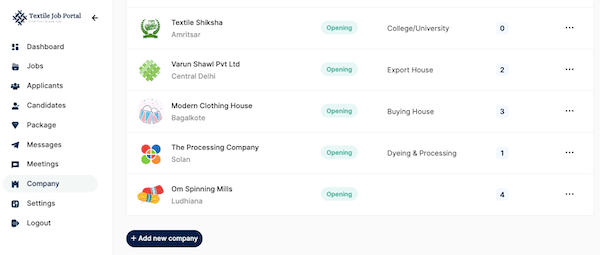
Basic Information
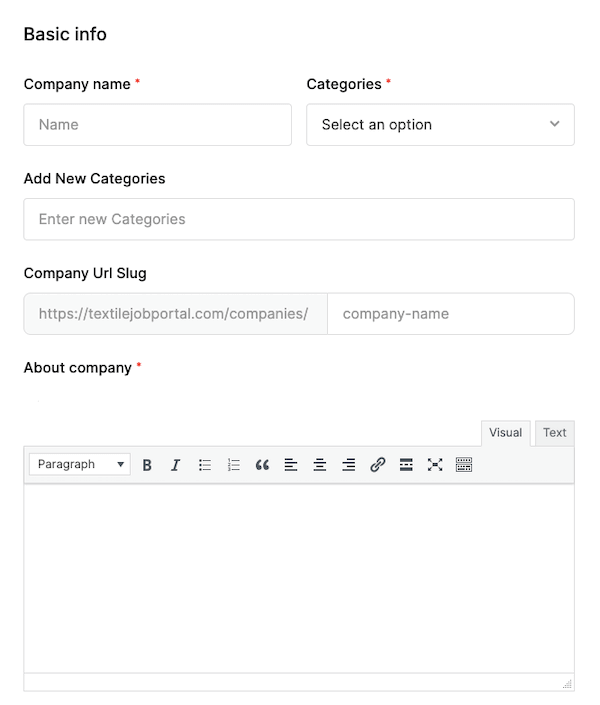
Once you click on “add the new company”, you will be directed to the company registration page. Here, you need to provide basic information regarding your company such as the company name, category (type of company), company URL, and some details about your company.
- Company Name: enter your company name (for example ABC Textile Limited)
- Company Category: select your company type/category in the dropdown list (for example textile manufacturing, garment industry, export/buying house, textile chemical industry, etc.)
- Add New Category: we have included all textile industry departments in the dropdown list. If your department is not listed, you can add a new category.
- Company URL: make the URL short and clean for example if your company name is “ABC Textile Limited” then the best URL structure is “abc-textile-limited”.
- About Company: In this section, you have to write your company information in detail.
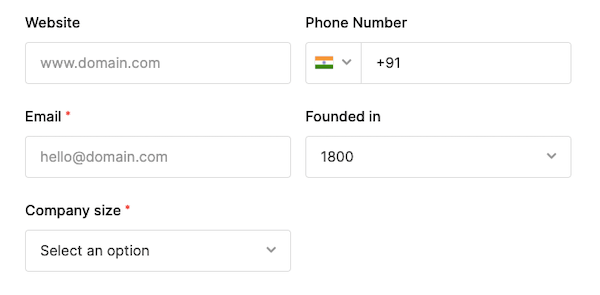
- In the next section, you need to provide your company website URL, phone number, email address, year founded, and company size.
Logo Media and Cover
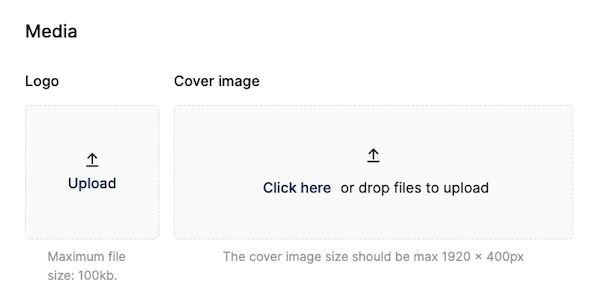
In the Media section, you can upload your company’s official logo and cover image.
- Ensure that the image size is up to 100kb or less. if your image is more than 100 kb then you can reduce the image size with the help of an image compression tool i.e. Tinypng.
Social Profiles
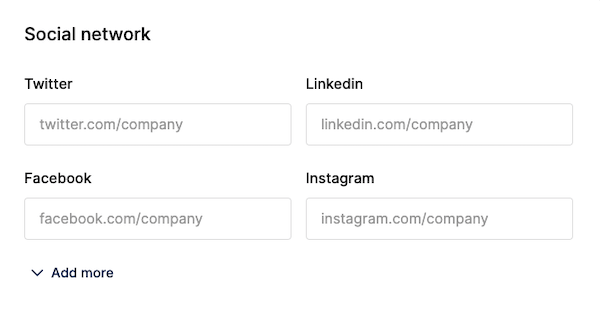
Textile job Portal offers to company’s to add their social profiles to the basic information so that the candidates can easily connect with the company on the given social platforms.
- To provide visitors with easy access to the company’s social media profiles, add the links to the respective profiles in this section.
- Note that you must enter the complete URL of your company page. For example, https://facebook.com/textilejobportal/.
Company Location
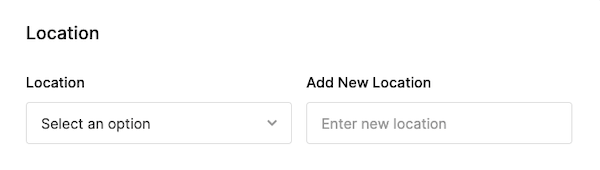
- Select the company location by clicking on the location dropdown.
- If your company location is not listed, add it in the next field (add new location).
Gallery
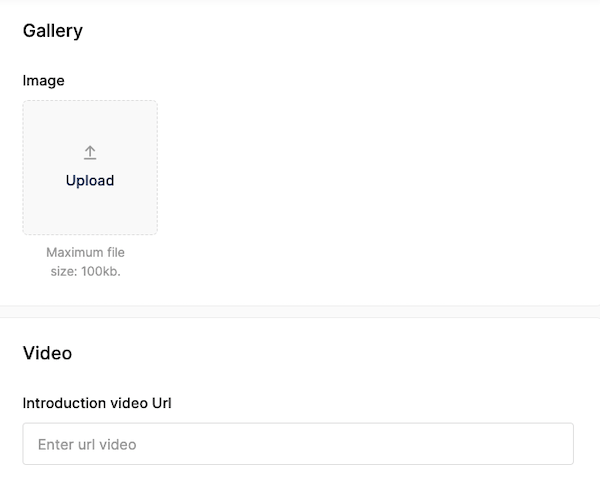
Textile Job Portal provides the feature to add your company gallery to your company page so that candidates can see your company culture, work environment, etc.
- Click on Upload the image, select the image, and click on Publish.
- Similarly, to insert a video, simply paste the video link in the designated area.
Click on “publish” after filling in all information to successfully register the company. Then, navigate to the “company” tab on the left sidebar to view the registered company.