The private messaging feature allows you to send a personalized message to a specific candidate. Please follow the steps given below to send a message to candidates,
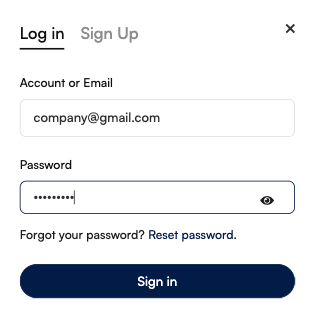
- Login your account
- In the main menu, click on candidates

- Here, you will see all the listed candidates
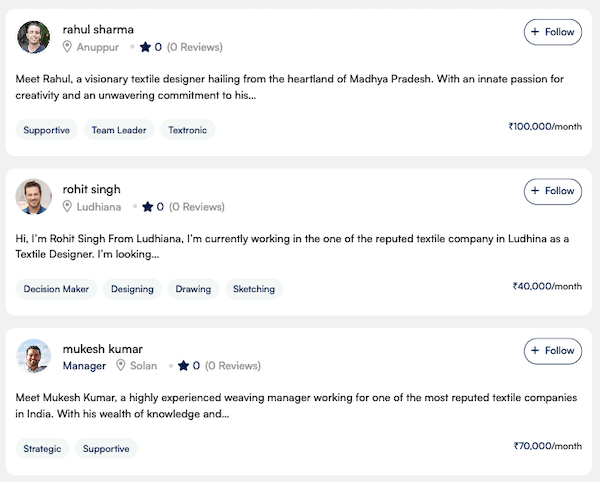
- Find and open the candidate page where you want to send a message.
- You will see the “Message” button (Make sure you have logged in to your account; if not, refer to the guide on creating an account on the textile job portal.)

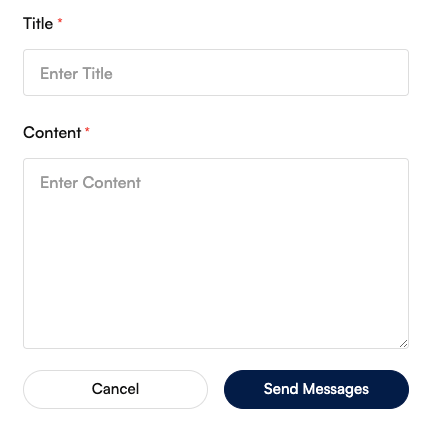
- Click on the send message button. A new box will open; write the message title and content you want to send.
- Click on the “Send button”.
You can access all your sent and received messages or chats from your dashboard.
- Go to the dashboard and click on the massages option, as shown in the below image.
- This centralised chat system lets you communicate with candidates regarding your hiring process. You can view all unread messages and send or delete messages by clicking on the three-dot option.

I hope this guide finds you well. If you have any questions, please get in touch with us at company@textilejobportal.com. We are happy to help you.