
The built-in chat feature allows you to send personalized messages to companies and other candidates, enabling you to interact with them effectively.
Go to your dashboard, and click on the message tab. here, you will see all the messages you sent or received from the company or another candidate.
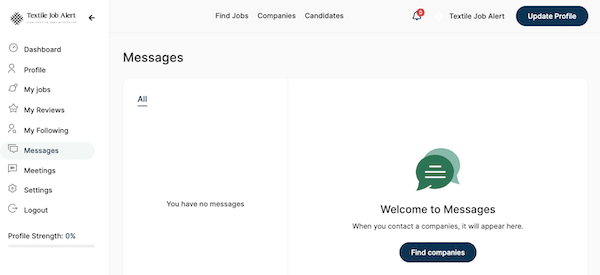
How to send messages to companies/employers?
To send a message to companies or employers, please follow the steps given below.
- In the main menu, click on companies
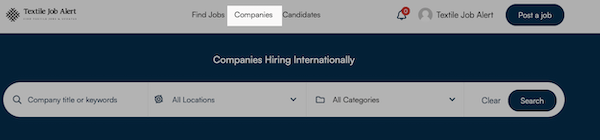
- Here, you will see all the listed companies.
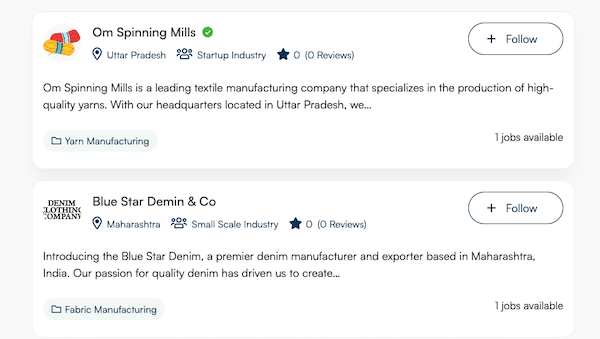
- Find and open the company page where you want to send a message.
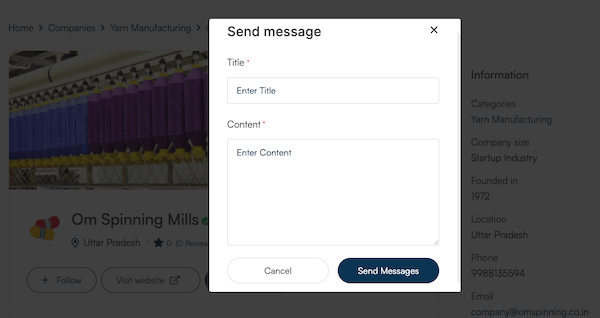
- You will see the “send message” button (Make sure you have logged in to your account, if not, refer to the guide on how to create an account on the textile job portal.)
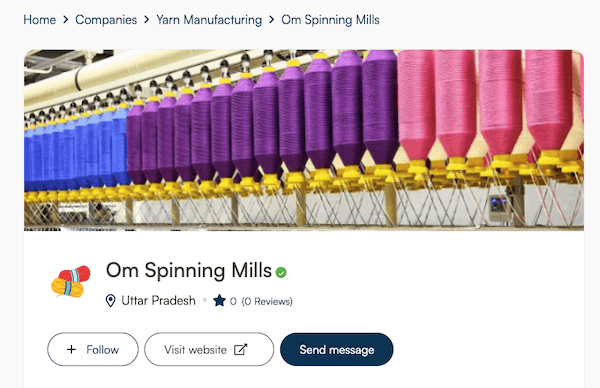
- Click on the send message button. A new box will open, write the message title and content you want to send.
- Click on the “Send button”.
You can access all your sent and received messages or chats from your dashboard.