
To create an account on the textile job portal, follow the below steps.
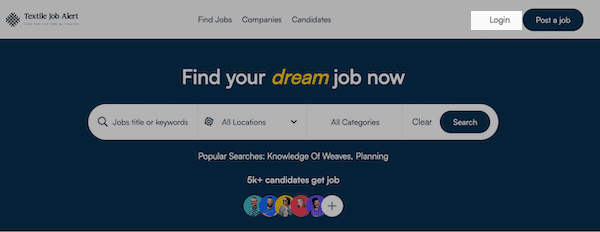
- Visit textilejobportal.com, click on the login button given in the header section, click on sign up, and switch the tab to candidate.
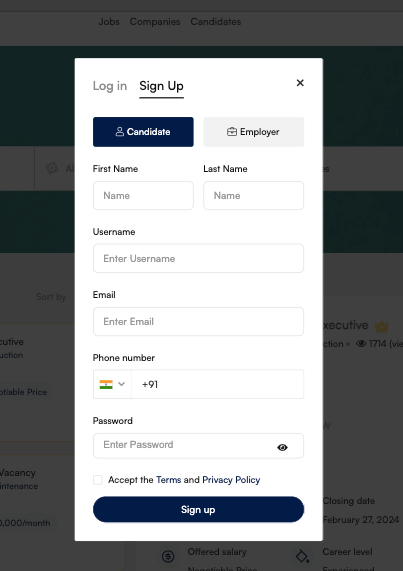
- Here, you enter your first name, last name, username, email address, phone number, and password.
- Do not contain space while creating a username (Recommended).
- Use at least one uppercase, number, and special character to create a strong password (Recommended).
- Accept the terms and conditions then click on the sign-up button. However, you are advised to read the terms and conditions carefully first.
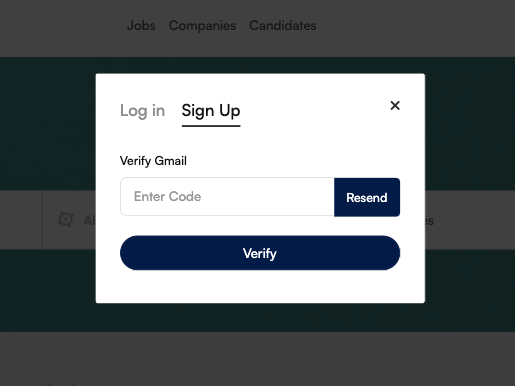
- When you click on the signup button a new email verification window will open, here, you have to enter OTP for email confirmation.
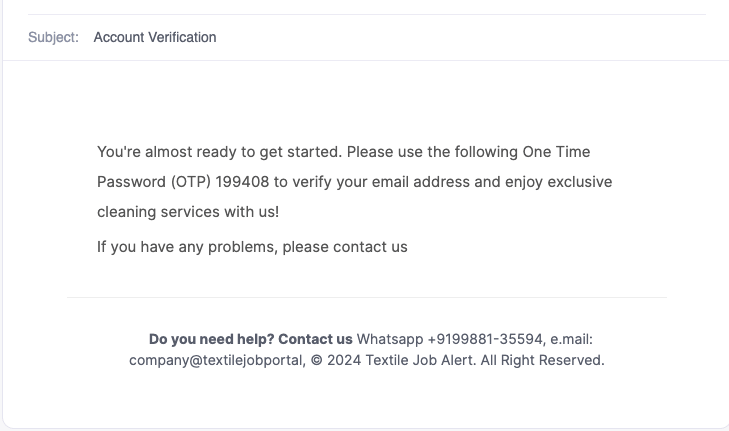
- Open your email account, copy the OTP code, and paste it into the email verification box to verify your email address.
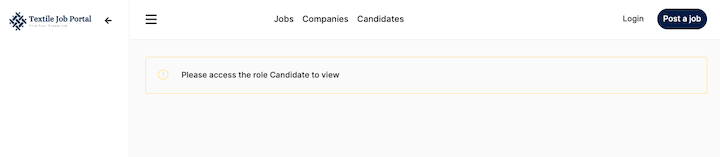
- After verification, you will be redirected to the candidate dashboard. But, your account is still under approval and review by our team. It may take up to 24 hours to approve or reject the account. You will get an email that your account has been approved or rejected.
- If your account is approved then you can login to your dashboard. As shown in the image below.
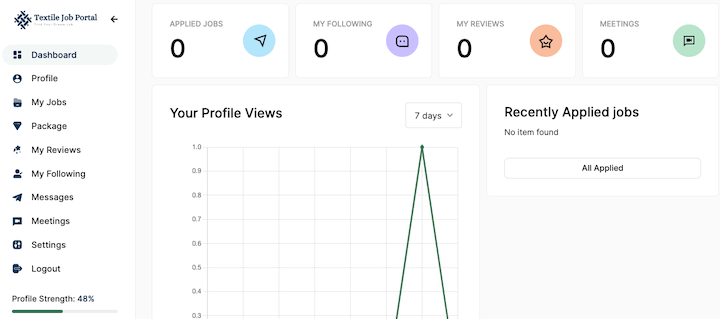
- First, ensure that your profile is 100% complete with all of the mandatory information such as basic information, educational qualifications, work experience, skills, projects (optional), and awards (optional). This will increase your visibility to potential employers.