
Textile Job Portal offers a personalized dashboard to each candidate that enables them to manage all their necessary information efficiently. This ensures our candidates have a seamless and convenient experience throughout their job search journey.
With this dashboard, candidate can easily update their profile, check the status of their applied jobs, view the list of companies they are following, schedule meetings, exchange messages, adjust their candidate settings, and perform other relevant tasks.
Let us get started to know about each feature in detail.
Dashboard Homepage
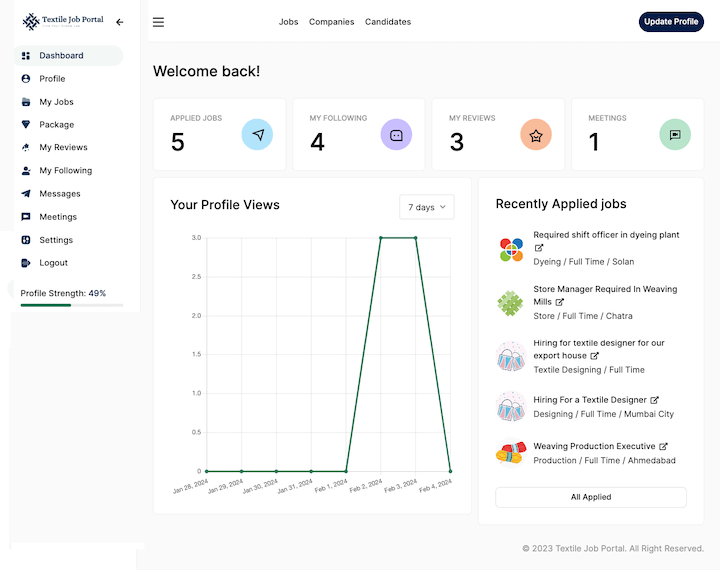
The dashboard has four sections: main menu, quick links, profile view, and recently applied jobs.
Main Menu: The main menu allows users to easily navigate between pages for profile updates, job viewing, reviews, followers, meetings, messages, and settings.
Quick Links: The Quick Links section makes it easy to navigate to important pages such as recently applied jobs, followed companies, posted reviews, and meetings.
Profile View: Tracking your profile growth is easy with the Profile View feature. You can filter your views by the last 7, 15, or 30 days.
Recently Applied Jobs: In the right sidebar, the user can find a list of their recently applied jobs. They can click on any job title to access its page.
Profile
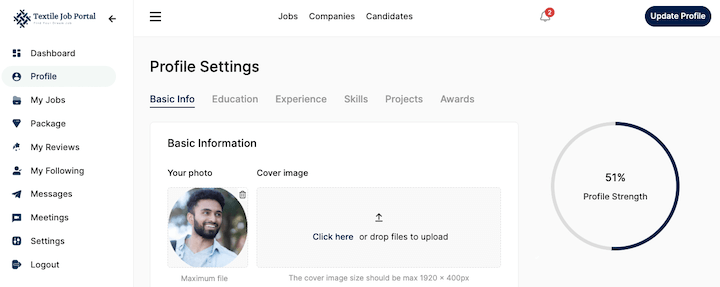
In the profile section, candidates can submit or edit their basic information, educational qualifications, work experience, skills, awards, and project details. Completing your profile to 100% will increase your visibility to employers.
My Jobs
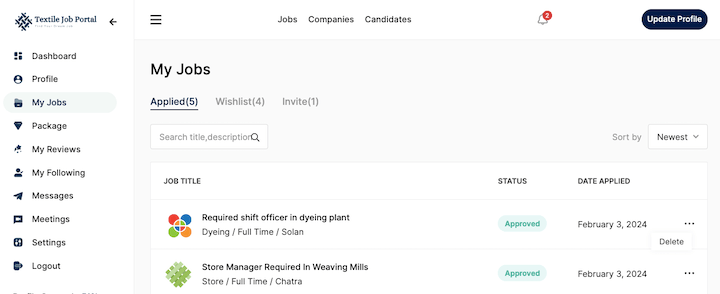
In the My Job section, candidates can view the applied jobs, wishlist jobs, and invitations. If you have applied for multiple jobs then you can search with job title or description.
Candidates can sort jobs with the newest and oldest filters, and delete jobs from your dashboard by clicking on the three-dot options and selecting delete.
My Reviews
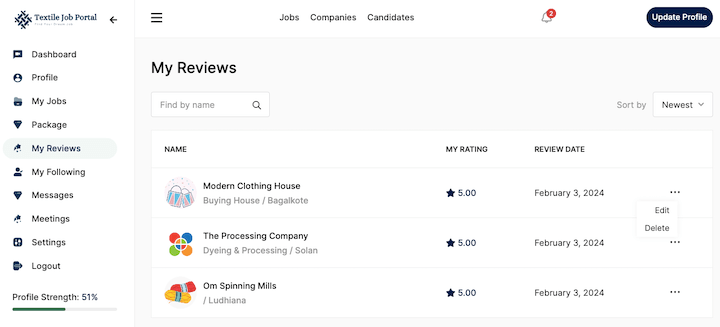
In this section, users can view all the reviews they have posted on the company’s page. When reviewing a company, it is important to give your opinion if you have worked with them. This helps to understand the company’s culture, work environment, safety, and nature.
Here, you can view the company name, your review date, and your rating. You can also make changes to or delete your review by clicking on the three-dot option and selecting the option to edit or delete.
My Following
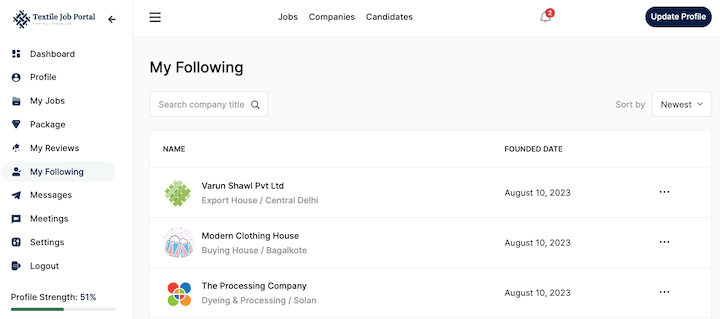
Candidates can follow their preferred companies to receive updates on job openings and apply before the deadline. You can view all the companies that you follow on this page.
You will see the company name, the date it was founded, and a three-dot option. By clicking on the three-dot option, you can remove any company from your following list.
Messages
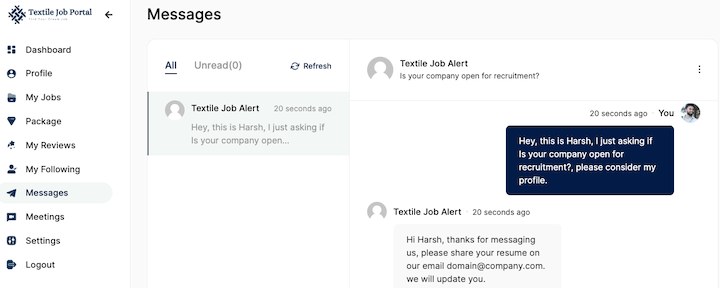
Our messaging feature makes communication between candidates and employers more convenient. Users can easily send and receive messages with each other through the platform. Manage all your messages and chats from this section.
Meetings
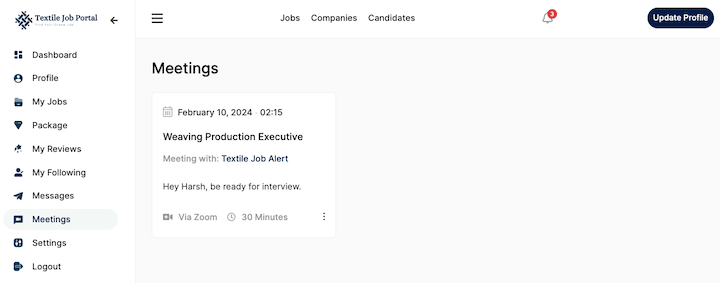
One of the advanced and useful features of the textile job portal is the ability for employers to send meeting requests for interviews with selected candidates. All meetings can be managed from this section.
Settings
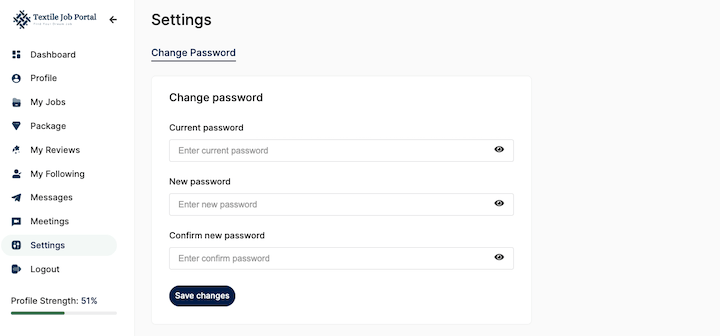
If you want to change your password or delete the account, you can do this in Settings. To change your password, enter the old password, and the new password, and confirm a new password, click on change password. To delete your account scroll down the page, click on deactivate account, and press on “yes”.
Log out
If you want to log out and log in again, then click on the Logout button.